Browser Fingerprinting Explained: Why Cookie Blockers Fall Short

Browser Fingerprinting Explained: The Tracking Problem Cookie Blockers Don’t Solve
Browser fingerprinting is the practice of identifying a browser by combining lots of small signals into one recognizable profile: screen size, timezone, language, installed fonts, graphics behavior, codecs, browser settings, and more. That is why cookie blockers only solve part of the privacy problem. Cookies are one tracking layer. A fingerprint is the browser-and-device signature underneath it. W3C’s current privacy guidance is blunt on this point: clearing cookies or using a VPN does not, by itself, stop further correlation.
That does not mean cookie or tracker blockers are useless. They help a lot. EFF says tracker blockers stop many known tracking scripts from reading your fingerprint. The problem is that more advanced techniques can still gather information, and academic work shows blocklist-style defenses struggle when fingerprinting code is served from first-party domains or mixed-purpose third parties rather than an obvious tracking domain.
What browser fingerprinting actually is
The simplest way to think about browser fingerprinting is this: instead of dropping a tag on the browser and reading it later, a site measures the browser itself. W3C separates that into passive fingerprinting, which relies on information visible in requests like IP address and headers, and active fingerprinting, where JavaScript or CSS probes the client for more entropy such as fonts, rendering behavior, performance quirks, and device characteristics.
The signals below are the kinds of things fingerprinting systems typically combine. This summary is based on MDN’s glossary, W3C’s fingerprinting guidance, the FP-Inspector research paper, and the official CreepJS test suite.
| Signal Layer | Common Examples | Why It Matters |
|---|---|---|
| Request / network layer | IP address, User-Agent, request headers | Helps narrow down browser, OS, region, and network context |
| Environment layer | Timezone, language, screen size, resolution | Adds easy-to-read traits that often stay stable across sessions |
| Rendering / media layer | Canvas, WebGL, GPU renderer, audio behavior, codecs | Exposes quirks that can be surprisingly distinctive |
| Software / configuration layer | Fonts, permissions, browser settings, privacy features | Makes one browser setup look different from another even on similar hardware |
What makes this tricky is not any single signal. It is the combination. A timezone alone is boring. A screen size alone is common. But once enough traits are layered together, the browser stops looking generic and starts looking like the same browser as last time. That is exactly why standards bodies treat fingerprinting as a privacy problem even when no cookie is present.
Why cookie blockers fall short
Cookie-based tracking is stateful. A site or tracker stores an identifier somewhere client-side, then reads it later. Browser fingerprinting is different. The FP-Inspector paper describes it as a stateless tracking technique: the tracker does not need to store a unique identifier in cookies or local storage because it can rebuild recognition from the browser’s exposed characteristics. The same paper also notes why users experience it as more invasive: cookies are visible and clearable, while fingerprints are opaque and much harder for users to control.
W3C’s guidance makes the same point from another angle. A browser fingerprint typically cannot be cleared or reset the way local state can, and different sites may be able to correlate activity even when cookie policy would block sharing cookies across origins. That is the gap cookie blockers leave behind. They can strip one kind of identifier without changing the underlying browser shape.
This is also why the sentence “I deleted my cookies” is not a full privacy answer. Deleting cookies removes stored state. It does not suddenly standardize fonts, change GPU rendering, flatten screen metrics, normalize language settings, or erase timing quirks. Those traits are still there unless the browser actively reduces or masks them.
What different privacy tools actually solve
A cleaner way to understand this is to think in layers. Cookie and tracker blockers mostly work at the script and storage layer. VPNs and proxies work at the network layer. Anti-fingerprinting protections work at the browser entropy layer. Isolated-session tools work at the compartmentalization layer. Those layers overlap, but they are not interchangeable.
| Tool | What It Helps With | What It Does Not Solve |
|---|---|---|
| Cookie / tracker blocker | Blocks many known trackers and prevents a lot of routine script-based reading | Advanced or first-party fingerprinting can still happen |
| VPN or proxy | Changes IP address and network path; a VPN can also encrypt traffic | Does not flatten fonts, canvas output, GPU traits, audio stack, or browser settings |
| Browser anti-fingerprinting protection | Reduces exposed entropy or blocks known/suspected fingerprinters | Can break some sites and does not make fingerprinting disappear entirely |
| Isolated browser / sandbox tools | Separates sessions, cookies, local storage, and app state | Does not automatically make one machine look like a different machine |
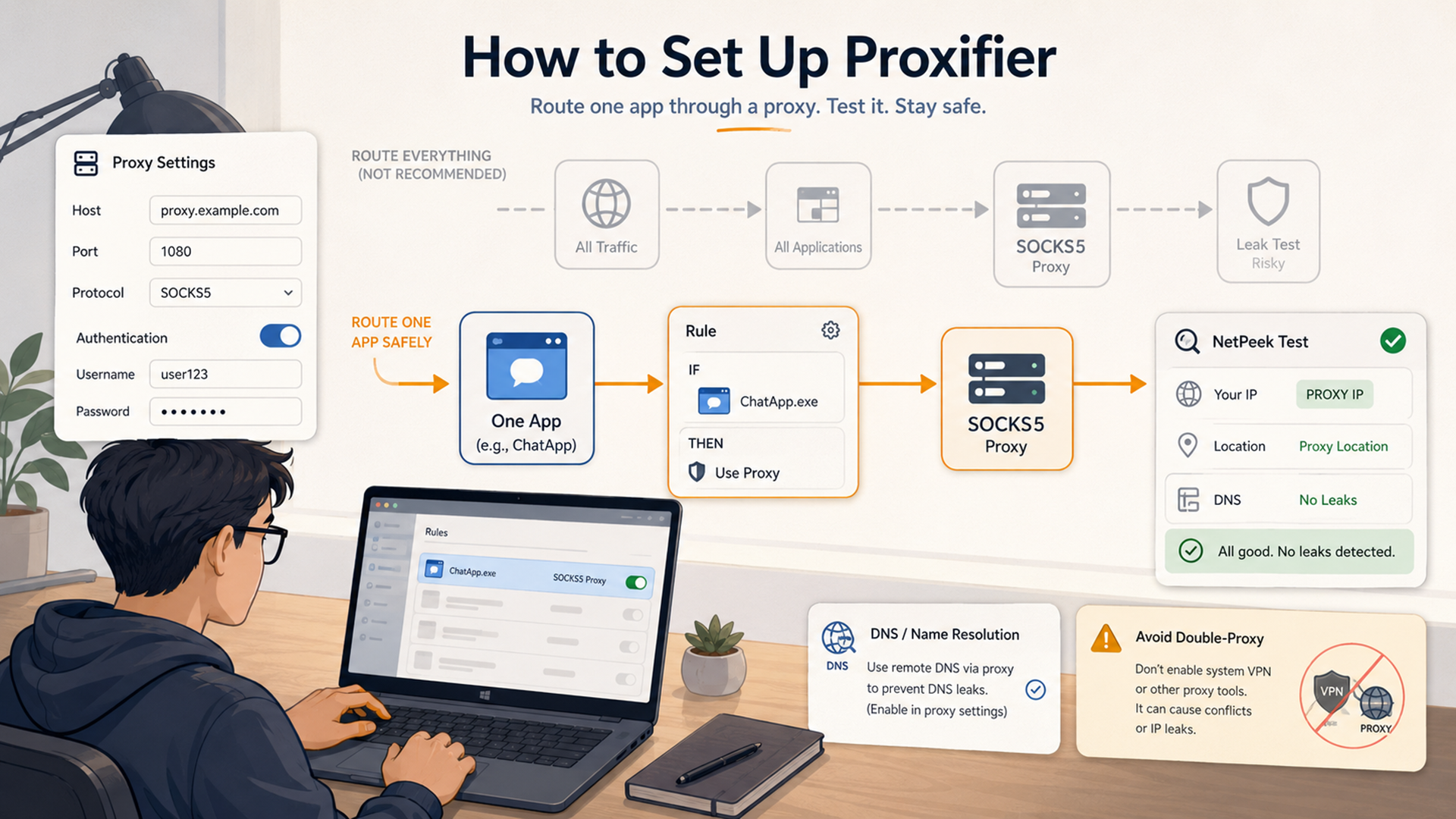
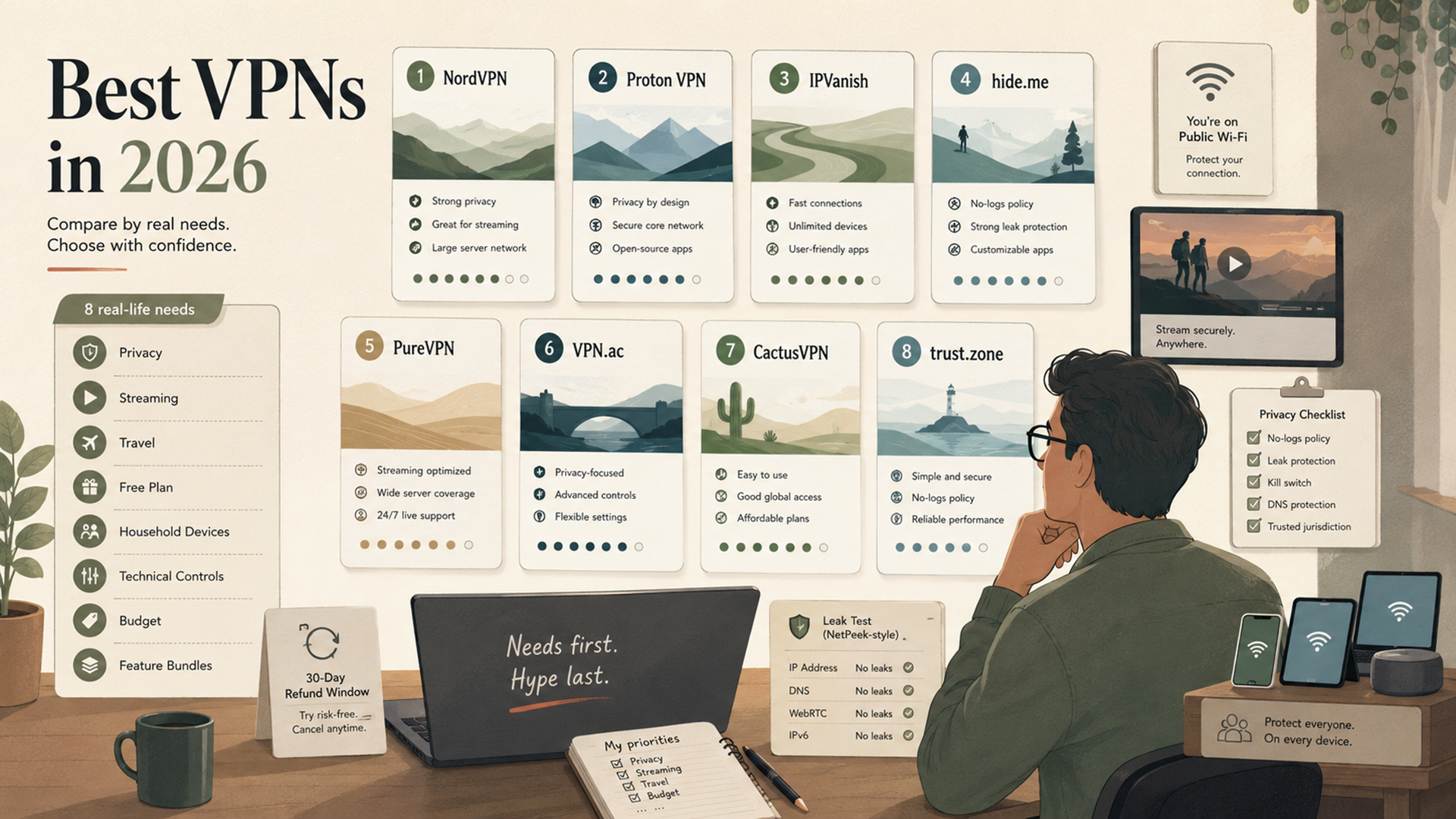
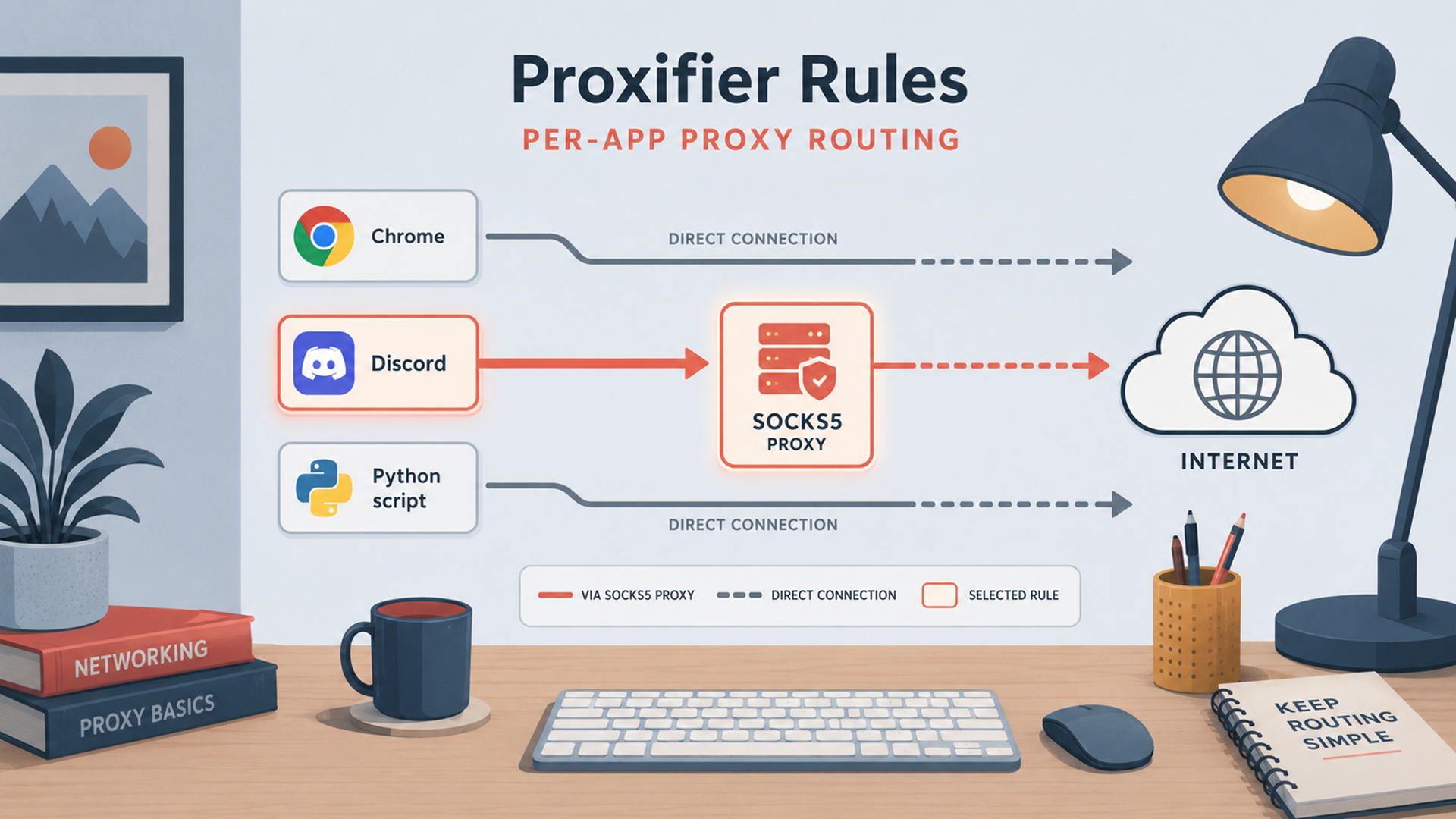
That distinction matters for practical privacy advice. If the real goal is IP masking, Jivaro’s guide to affordable proxy providers and VPN services guide are the relevant follow-ups. If the real goal is keeping sessions separate, instanced browsers like Instanciar are built for isolated browser sessions with proxy support, Sandboxie Plus keeps browsing state inside a disposable sandbox, and Proxifier handles app-level proxy routing when a program has no native proxy controls. Useful tools, yes. Fingerprint erasers, no.
Why websites use fingerprinting in the first place
Fingerprinting is not only an ad-tech trick. W3C explicitly notes that it can be used as a security measure, and the FP-Inspector paper says fingerprinting is widely used for bot detection and authentication as well as for potential cross-site tracking. That matters because it explains why the practice has not disappeared just because third-party cookies became more restricted. Some of the same signals used for fraud prevention can also be used to recognize and profile users.
That is also why the privacy conversation around fingerprinting is less tidy than the cookie conversation. Cookies are easy to describe: store ID, read ID. Fingerprinting is murkier because the same mechanics can be framed as fraud defense, abuse prevention, account security, analytics, or tracking depending on how they are deployed. The technology layer is the same even when the stated purpose changes.
How to check what your browser is leaking
EFF’s Cover Your Tracks is the simple starting point. EFF describes it as a way to see how trackers view your browser and which characteristics make it unique or identifying. If someone wants a quick answer to “Do I still look unusually trackable?”, that is the most straightforward first test.
CreepJS is the more diagnostic tool. The official project says its purpose is to expose weaknesses and privacy leaks in modern anti-fingerprinting browsers and extensions, and its test coverage includes Canvas, WebGL, audio, fonts, screen data, timezone, and browser privacy patterns. That makes it useful when the goal is not just a yes/no score, but a closer look at which surfaces are still leaking entropy. One important caution: the maintainer says the only official live deployment is on GitHub Pages and warns that other domains using the CreepJS name should be treated as unsafe mirrors.
The right way to use these tools is not to chase a perfect score. It is to spot unnecessary uniqueness. If a browser only becomes rare after piling on odd extensions, custom fonts, unusual language combinations, and unusual privacy tweaks, that is useful information. EFF’s own guidance boils the privacy goal down to two broad strategies: look common enough to blend in, or look different often enough that correlation becomes harder. For most ordinary users, “look less unusual” is the more practical path.
What actually helps reduce fingerprinting risk
There is no single switch that fixes browser fingerprinting everywhere, but there are several steps that genuinely lower exposure.
Stay closer to default browser behavior when possible. The more exotic the setup, the easier it is to stand out. EFF’s framing is useful here: privacy improves either when you blend into a large crowd or when the signal changes enough to resist correlation. Most people are better served by “more ordinary” than “more customized.”
Turn on built-in anti-fingerprinting protections. Firefox now exposes separate controls for known and suspected fingerprinters under Enhanced Tracking Protection, and Mozilla notes that these protections limit the information the browser exposes. WebKit also documents anti-fingerprinting as part of its tracking-prevention stack, with most protections on by default.
Keep using tracker blockers anyway. They do not solve fingerprinting end to end, but EFF still says they prevent many tracking companies from reading your fingerprint in the first place. That makes them part of the answer even if they are not the whole answer.
Treat VPNs and proxies as IP tools, not fingerprint tools. They still matter, and they still have a place. But W3C explicitly says clearing cookies or using a VPN does not prevent further correlation. So use them for the network layer, not as a substitute for anti-fingerprinting defenses. For that separate layer, Jivaro’s proxy providers guide and VPN services guide are useful companion reads.
Use isolated sessions when compartmentalization matters. A tool like Instanciar helps by running separate browser sessions with isolated data, while Sandboxie Plus keeps browsing activity inside a disposable environment. That does not magically make the machine un-fingerprintable, but it does reduce carry-over between roles, profiles, and workflows.
Use CreepJS or Cover Your Tracks after major changes. Test after changing extensions, browser hardening settings, proxy routing, or isolation workflows. That is the quickest way to catch the privacy tweak that accidentally made the browser rarer instead of safer.
Know the “nuclear option” tradeoff. EFF notes that disabling JavaScript makes browsers much less distinct and prevents trackers from gathering much of the data used for fingerprinting, but it also breaks a huge number of sites. That is why most real-world privacy defenses focus on reducing entropy rather than pretending JavaScript can disappear from the web.
FAQ
Does deleting cookies remove your browser fingerprint?
No. Cookies are stored identifiers. A fingerprint is built from observable browser and device traits. W3C says a fingerprint typically cannot be cleared or reset the way local state can, and the FP-Inspector paper describes fingerprinting as stateless because it does not need a client-side identifier like a cookie or local-storage value.
Does a VPN or proxy stop browser fingerprinting?
No. A VPN or proxy can change the network layer, especially IP address, but W3C’s privacy guidance explicitly says tools such as clearing cookies or using a VPN do not prevent further correlation. That is because the rest of the browser’s exposed characteristics can still line up from visit to visit.
Can you completely avoid browser fingerprinting?
Not reliably across the modern web. W3C says complete elimination of browser fingerprinting by a determined adversary through solely technical means that are widely deployed is implausible. The realistic goal is reduction, not magic invisibility.
Conclusion
Browser fingerprinting is the part of web tracking that survives after cookies become less useful. It works by measuring the browser, not by storing a tag, which is why clearing cookies, switching IPs, or installing one privacy extension rarely closes the whole gap. Cookie blockers still matter. VPNs and proxies still matter. But they solve different layers of the problem.
The practical takeaway is simple: use blockers, keep the browser ordinary, turn on built-in anti-fingerprinting protections, separate sessions when needed, and test what your browser is actually leaking with tools like Cover Your Tracks and CreepJS. For readers who want the surrounding tooling, Jivaro’s proxy guide, VPN guide, Instanciar, and Sandboxie Plus are the natural next reads because fingerprinting is easiest to manage when network privacy, session isolation, and browser behavior are treated as separate problems instead of one.