A long message usually fails in one of two ways: the platform will not accept it, or the reader gives up before the useful part. That is why learning how to split long messages into smaller ones is not just a formatting trick. It makes prompts easier to run, threads easier to read, transcripts easier to process, and drafts easier to reuse.
The mistake is cutting text wherever the character count runs out. That can split a sentence in half, separate a claim from its evidence, or leave “Part 3” impossible to understand without “Part 2.” A better approach is to chunk the message around meaning.
For quick work, TextChunk is built for exactly this: paste a large block of text, choose how you want it divided, and turn it into smaller clean messages you can copy into AI tools, social platforms, emails, documents, or workflows.
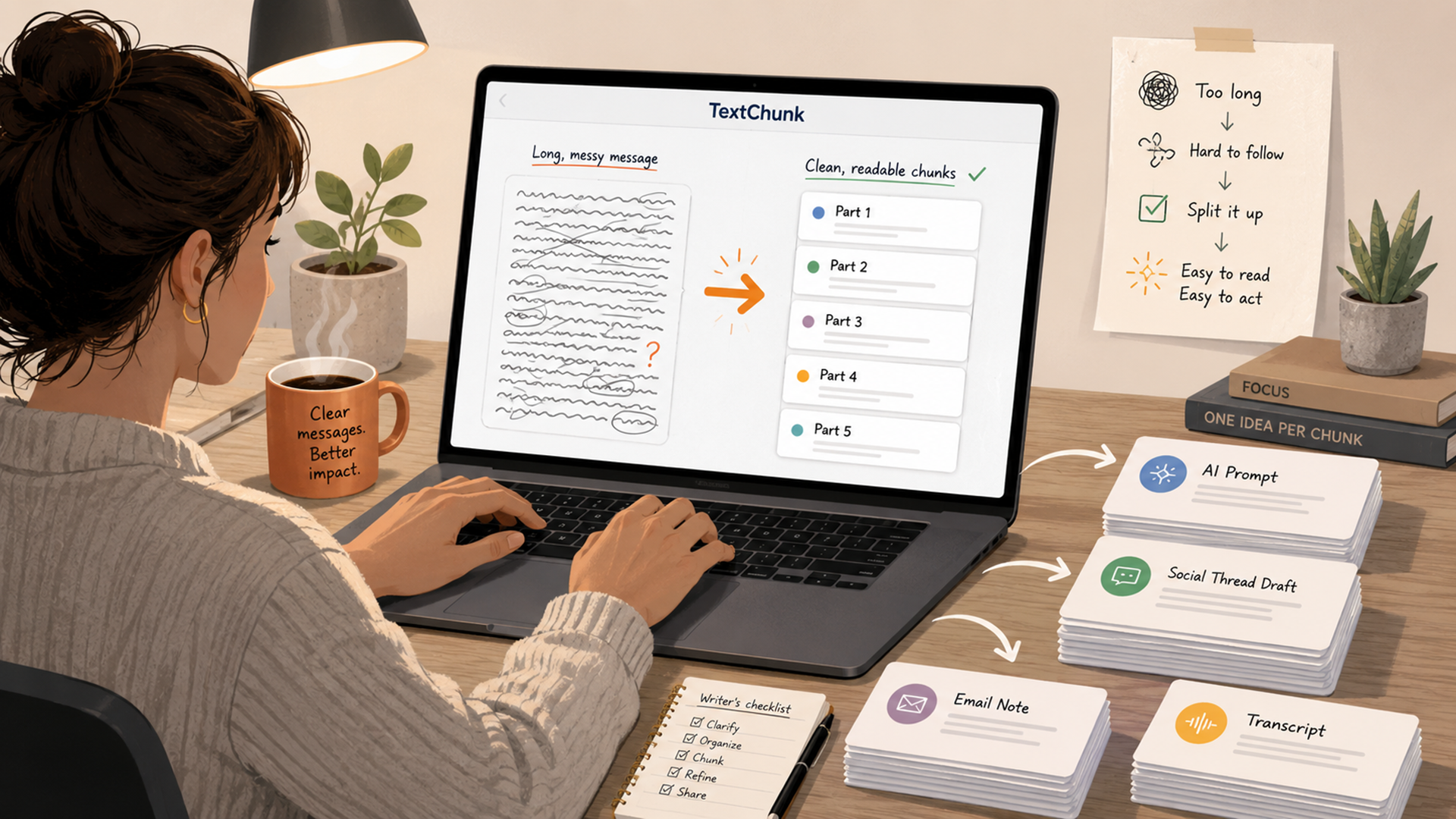
The fastest way to split long messages
The practical version is simple:
- Decide where the chunks will go.
- Pick a chunk size that fits that destination.
- Split by words, characters, paragraphs, or sections.
- Keep complete ideas together.
- Label the order when the chunks depend on each other.
That last step matters. A four-part AI prompt should usually say “Part 1 of 4,” “Part 2 of 4,” and so on. A social thread should have each post stand on its own. A support message should keep the problem, evidence, and request close together.
TextChunk helps with the mechanical part so you can focus on the judgment part. It can split by characters or words, keep words intact, prefer ending at a full sentence, and include “Message X of Y” when copying chunks.
Why random cutting ruins good text
Random splitting creates small problems that become big problems later.
A prompt may lose the instruction that explains what to do with the next section. A thread may start with a sentence that belongs to the previous post. A transcript summary may separate a speaker’s question from the answer. A long client update may bury the actual request in the wrong chunk.
Good chunking does three things:
| Goal | What it means | Example |
|---|---|---|
| Preserve meaning | Each chunk should contain a complete idea or useful section. | A problem statement stays with the details that explain it. |
| Keep order clear | The reader or AI tool should know what comes next. | “Message 2 of 5” or “Section: customer complaints.” |
| Match the destination | A chunk for a thread is smaller than a chunk for an AI document review. | Social posts need tighter cuts; AI review can handle longer sections. |
A splitter can help with the cut, but it cannot decide whether your argument is clear. After splitting, always skim the first and last line of each chunk. That is where most awkward breaks show up.
What to use long-message splitting for
Long-message splitting is useful anywhere a big block of text becomes hard to paste, read, or process.
| Use case | Best chunking style | What to watch for |
|---|---|---|
| AI prompts | Split by section, topic, or word count. | Keep the instruction separate from the source text. |
| ChatGPT document review | Split by headings or logical sections. | Tell the model whether to wait for all parts before answering. |
| X or Threads drafts | Split by one idea per post. | Avoid ending a post with half a point. |
| LinkedIn posts | Split by paragraph or content block. | Make each chunk readable without feeling chopped up. |
| Email drafts | Split by problem, context, request, and next step. | Do not separate the ask from the background. |
| Transcripts | Split by topic shift, speaker turn, or timestamp range. | Add labels so later summaries stay organized. |
| Research notes | Split by source, claim, quote, or theme. | Keep citations or source labels attached. |
| Product specs | Split by feature, requirement, bug, or user story. | Keep requirements and acceptance criteria together. |
This is why TextChunk works best when you already know the destination. “Split this into chunks” is vague. “Split this transcript into 800-word sections for summarizing” is much easier to review.
How to choose the right chunk size
There is no perfect chunk size for every message. The right size depends on where the text is going and how much context each part needs.
For AI prompts, larger chunks are usually fine as long as the instructions are clear. For threads, smaller chunks work better because each post needs to be readable quickly. For emails, the chunk size is less important than the structure: context first, then issue, then request.
A useful starting point:
| Destination | Starting chunk size | Better rule |
|---|---|---|
| AI summary prompt | 600–1,200 words | Split by headings or topic shifts when possible. |
| AI editing prompt | 300–800 words | Keep the section small enough for detailed feedback. |
| Thread draft | 1–3 short paragraphs | One idea per post. |
| LinkedIn repurposing | 2–4 paragraphs | One content block per chunk. |
| Long email | 150–400 words | Separate context, ask, and details. |
| Transcript cleanup | 500–1,000 words | Keep speaker exchanges together. |
| Notes or research | 300–700 words | Keep source labels attached. |
These are not official platform limits. Treat them as workflow sizes. If the output feels too dense, split smaller. If every chunk feels starved of context, split larger.
How to use TextChunk without overthinking it
Use TextChunk when the main problem is “this is too long to handle cleanly.”
The workflow is straightforward:
- Open TextChunk.
- Paste the full text into the text source box.
- Choose whether to split by characters or words.
- Set the minimum and maximum chunk range.
- Keep whole words intact if you are splitting by characters.
- Prefer ending chunks at a full sentence when readability matters.
- Add “Message X of Y” if the chunks need to stay in order.
- Split the text.
- Review the generated messages before copying them.
The review step is small but important. A clean splitter can save time, but you still want to check whether the chunks make sense. If one chunk starts with “however,” “because,” or “that’s why,” it may need the previous sentence added back.
A simple prompt workflow for long source text
If you are splitting a long message for ChatGPT or another AI tool, do not paste chunks randomly. Give the model a clear operating rule first.
Try this structure:
I am going to send this document in multiple parts.

Do not summarize or respond until I write: “All parts sent.”

For each part, silently keep track of the main points, important details, and any contradictions.

After I send all parts, I will ask for the final output.
Then paste your chunks from TextChunk, labeled in order.
That small instruction prevents the model from summarizing Part 1 too early or missing the fact that more context is coming. It also makes the conversation easier to audit later because each chunk has a clear label.
Common mistakes when splitting text
The biggest mistake is splitting only by number. Character count matters, but meaning matters more.
Avoid these:
| Mistake | Why it causes problems | Better approach |
|---|---|---|
| Cutting mid-sentence | The next chunk starts awkwardly and loses context. | Prefer sentence endings. |
| Removing labels | The order becomes unclear. | Add “Part 1 of 5” or section names. |
| Splitting instructions from source text | AI tools may not know what to do with later chunks. | Keep instructions up front and stable. |
| Making chunks too tiny | The reader or model loses the bigger picture. | Use larger chunks when context matters. |
| Making chunks too large | The output becomes hard to review. | Split by topic or paragraph group. |
| Copying without skimming | Small errors get repeated across the workflow. | Review the first and last line of each chunk. |
The goal is not to make every chunk identical in size. A slightly uneven split is fine if the ideas are cleaner.
When TextChunk is the right tool
TextChunk is most useful when you already have the text and need to make it usable quickly.
Use it for:
- turning a long prompt into ordered prompt parts
- breaking a draft into social posts
- chunking transcript sections for summarizing
- preparing long notes for AI review
- splitting a customer message into clearer sections
- dividing a long document into copy-paste batches
- creating numbered messages for any multi-part workflow
It is not meant to replace editing. If the original text is confusing, splitting it will make the confusion easier to see, not magically fix it. That is still useful. Once the message is broken into pieces, weak sections become much easier to revise.
FAQ
What is the best way to split long messages?
The best way is to split by meaning first and size second. Keep complete ideas together, avoid cutting sentences in half, and label chunks when the order matters.
Should I split text by words or characters?
Use characters when you are trying to fit a platform or message-size limit. Use words when you care more about readability, drafts, prompts, summaries, or editing workflows.
How do I split a long AI prompt?
Put the instruction first, tell the AI that multiple parts are coming, then paste the chunks in order. Use labels like “Part 1 of 4.” Ask the AI to wait until all parts are sent before answering.
Can TextChunk split text for threads?
Yes. TextChunk can help turn one long draft into smaller messages. You should still review the output so each post has a clean opening, a complete idea, and a natural ending.
Does TextChunk rewrite the text?
No. It is a splitting tool, not a rewriting tool. That is useful when you want to preserve the original wording while making the text easier to paste, process, or publish.
What should I check after splitting?
Check the first and last line of each chunk. Make sure no sentence was cut awkwardly, no important context was separated, and the order is clear.
Long messages are not the problem. Unstructured long messages are. Once the text is divided into clean, ordered chunks, it becomes easier to prompt, summarize, publish, edit, and reuse. Use TextChunk for the splitting, then spend your attention where it matters: making sure each piece still says something complete.