AutoQuill v0.13 Released: Modern Live Session UI, Smarter Typing Feedback, and Faster Everyday Controls

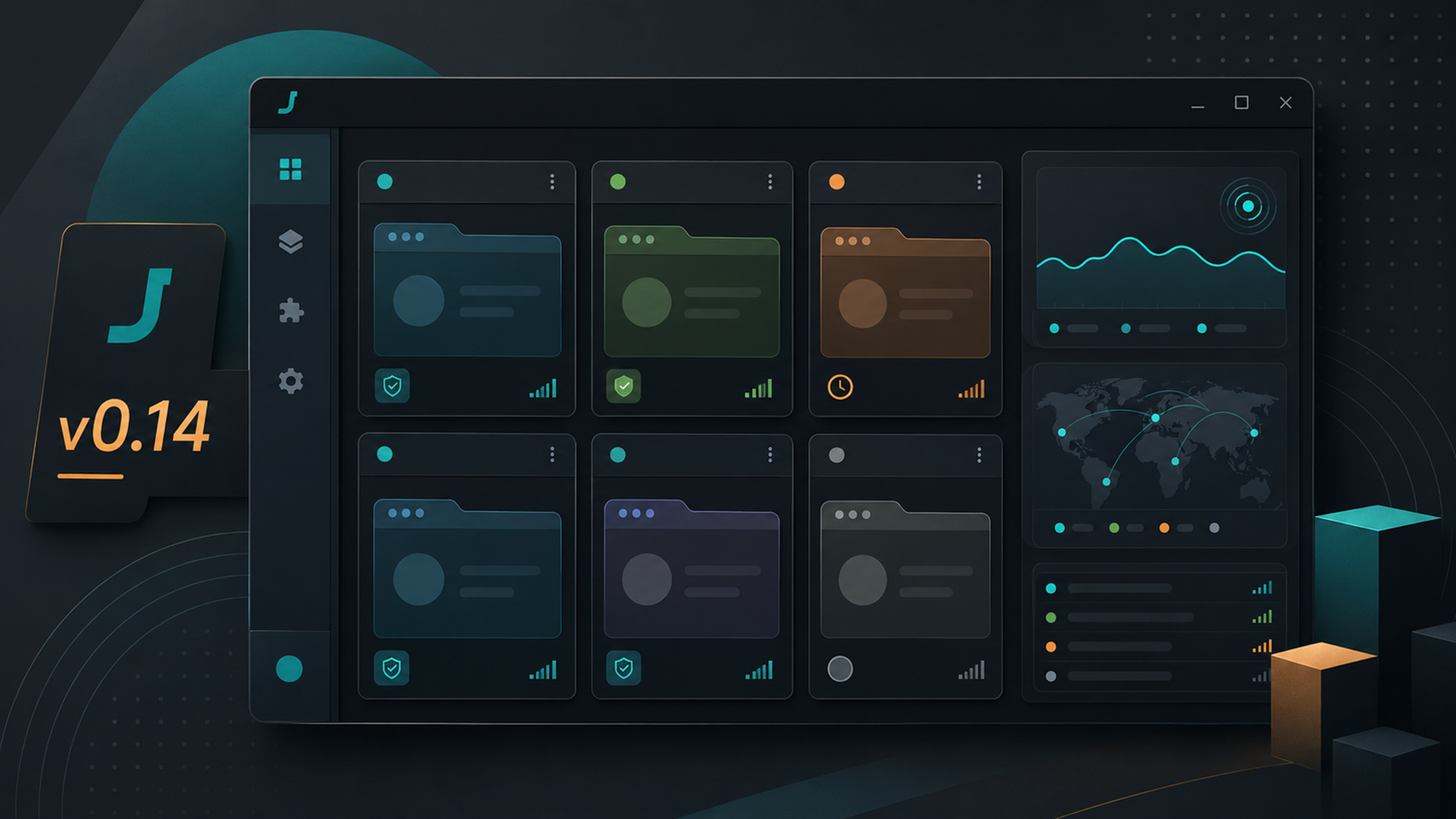
AutoQuill has a new front-end experience, and it is built around one goal: making the app easier to understand while it is actively typing. The main window now centers on a single live-session view that keeps the current state, progress, ETA, typing setup, profile, and sticky-target status together instead of spreading that information across disconnected rows. Settings still live in a separate dialog, which keeps the main screen focused on what matters during a run.
This update also gives AutoQuill a more polished desktop feel. The interface now follows a more consistent visual style across the main window and settings dialog, the live status area is clearer, and the support button has been moved away from the main runtime controls so it stands out without competing with Settings and Reset. The result is a layout that feels more modern, cleaner to scan, and easier to trust during long typing sessions.
Day-to-day workflow has improved as well. Users can load saved profiles directly from the main window, insert quick runtime tokens like clipboard, date, and time more easily, and see live warnings in Settings when a setup looks risky or confusing. Sticky typing is also easier to follow now, because the app surfaces clearer target states such as waiting to capture, ready, locked, or lost.
This version also improves the feel of humanized typing. When Simulate Breaks or Simulate Pauses are enabled, WPM changes now have a more meaningful effect, so speed adjustments feel more consistent instead of getting buried under extra pause time. The live header has also been updated in a more efficient way, which helps the session view feel steadier while typing is in progress.
Changelog
New live-session header that brings status, progress, ETA, and current setup into one place.
Clearer Idle / Typing / Paused presentation with a stronger live status area.
Dedicated Support AutoQuill button placement instead of mixing support with runtime controls.
Faster access to saved profiles from the main window.
Quick token buttons for runtime text like clipboard, date, and time.
Clearer sticky typing target feedback during capture and live runs.
A more polished shared look across the main window and settings dialog.
Stronger button hover and click feedback throughout the app.
Live settings warnings for risky or confusing typing setups.
More consistent WPM behavior when human-like pauses and breaks are enabled.
Download AutoQuill now!