
Instanciar v0.14 Brings a Cleaner Dashboard, Profile Checks, and Live What’s New Updates
Technology & AI / Software Release
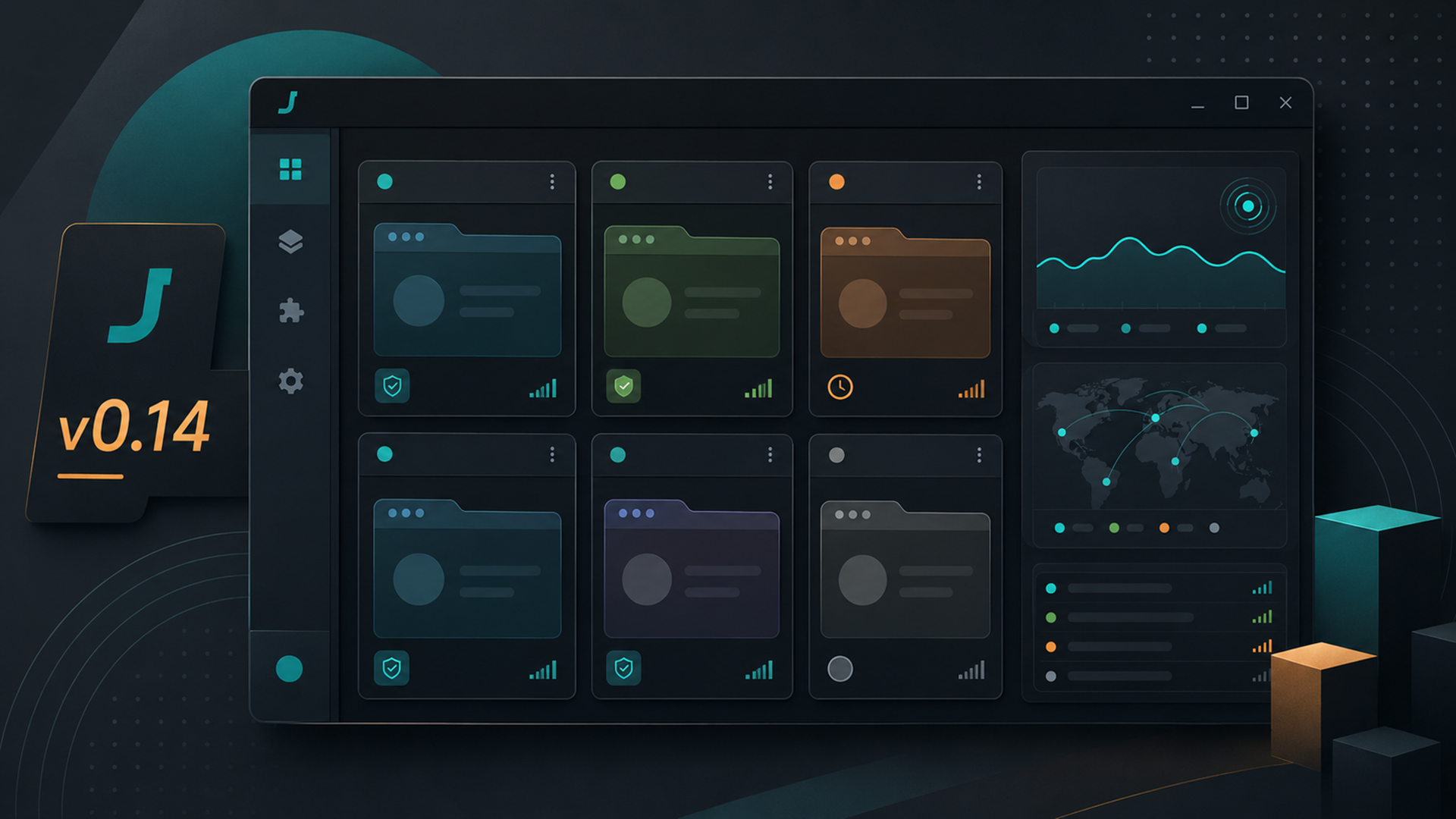
Jivaro has released Instanciar v0.14 to customers, bringing the portable Windows browser-instance manager into a cleaner and more user-facing build. The release focuses on the parts users touch most often: the dashboard, profile setup, browser consistency checks, and release notes inside the app.
Instanciar is built for separated Chromium-based browser workflows, including client work, testing, remote work, compartmentalized browsing, profile separation, and proxy-supported launches where appropriate. Version 0.14 keeps that focus, but makes the app easier to read, easier to configure, and clearer about what has changed.
The main change for customers: Instanciar v0.14 no longer treats release communication as a one-time startup popup. It adds a live What’s New panel, clearer dashboard organization, browser-profile consistency checks, and packaging fixes for the distributed Windows app.
The customer release focuses on everyday workflow
The dashboard receives the most visible change. Instanciar v0.14 uses a darker, more organized layout for managing browser instances and groups, with search and filtering tools to help users find the right profile faster. The app also adds summary counts for groups, instances, and setup issues, giving users a quick read on the state of their workspace before they launch a session.
The details and inspector area has also been refined so profile information is easier to scan. That matters most for users who keep multiple browser workflows separate and need to review proxy, region, timezone, language, WebRTC, and profile settings without digging through scattered controls.
Browser profiles get clearer consistency checks
Instanciar v0.14 adds Region Profiles to help connect area, timezone, and language settings in a more understandable way. It also adds browser launch modes, including Normal Browser and Privacy Browser, so the setup path reads more like a user workflow and less like a configuration checklist.
The app now surfaces plain-English setup warnings when important settings do not line up. For example, if a browser profile has a mismatch between proxy, region, timezone, language, or WebRTC configuration, Instanciar can make the issue visible before launch rather than leaving users to troubleshoot after something behaves unexpectedly.
A live What’s New panel replaces static release notes
The other major user-facing change is how Instanciar communicates updates. Instead of relying on an old startup update popup, v0.14 adds a live What’s New panel that loads release information from GitHub when available.
Users can reopen the panel from Help → What’s New, and the panel includes a Download Latest button that points back to the official Instanciar page. If the app cannot reach GitHub, it now shows a clear message explaining that the live release notes could not be loaded.
This gives Jivaro a cleaner way to keep release information current without bundling local notes into the app itself. For users, the practical benefit is simple: update information is easier to find after the first launch, and the app is more direct when live notes are unavailable.
Release-readiness fixes improve the packaged app
Instanciar v0.14 also includes release-readiness work behind the scenes. Jivaro improved packaged-app resource handling for source runs and one-file EXE builds, fixed the installer progress display so it no longer depends on a missing fallback animation file, and cleaned release ZIP output by removing cache and junk files.
The release keeps the app version aligned as v0.14 and makes the distributed Windows build cleaner for customers. Instanciar v0.14 does not include an automatic updater, so users should download the latest release through the official Instanciar page rather than relying on in-app self-updating.
Where Instanciar fits in a separated browser workflow
Instanciar remains a focused Jivaro utility, not a full browser replacement. Its role is to help users create and manage separated browser instances for allowed workflows where profile separation, browser context, and proxy-supported launches need to be kept organized.
Jivaro’s Instanciar page notes that the tool is not a guarantee of anonymity, security, or platform permission. That distinction is important: v0.14 improves usability and consistency checks, but users still need to follow the rules of the platforms, employers, clients, and services they access.
The release also adds Donate access from the app and Help menu, linking users to Jivaro’s donation page for voluntary support. That gives users a direct way to support continued development without changing the app’s main workflow.
Instanciar v0.14 FAQ
Is Instanciar v0.14 an automatic update?
No. Instanciar v0.14 does not include an automatic updater. Users should download the latest build from the official Instanciar page.
What is new in the What’s New panel?
The new panel loads live release information from GitHub, can be reopened from the Help menu, and includes a Download Latest button.
What happens if GitHub cannot be reached?
Instanciar now shows a clear message explaining that the live release notes could not be loaded instead of failing silently.
References
- Instanciar v0.14 release notes supplied to Jivaro News for this article.
- Instanciar Download | Portable Multi-Browser Manager, Jivaro.
- Instanciar v0.10 Released: Better Proxy Visibility, Smarter Browser Identities, and a Smoother Workflow, Jivaro News.
- Browser Leak Test: Check IP, WebRTC, DNS, Proxy, and VPN Leaks With NetPeek, Jivaro Blog.
- Contact | Support, Corrections, Press & Inquiries, Jivaro.
- Donate | Support Jivaro, Jivaro.
